Paycheck Budget Spreadsheet, Budget by Paycheck, Biweekly Bill Calendar, Running Balance, Excel, Google Sheets, Instant Download
What you get
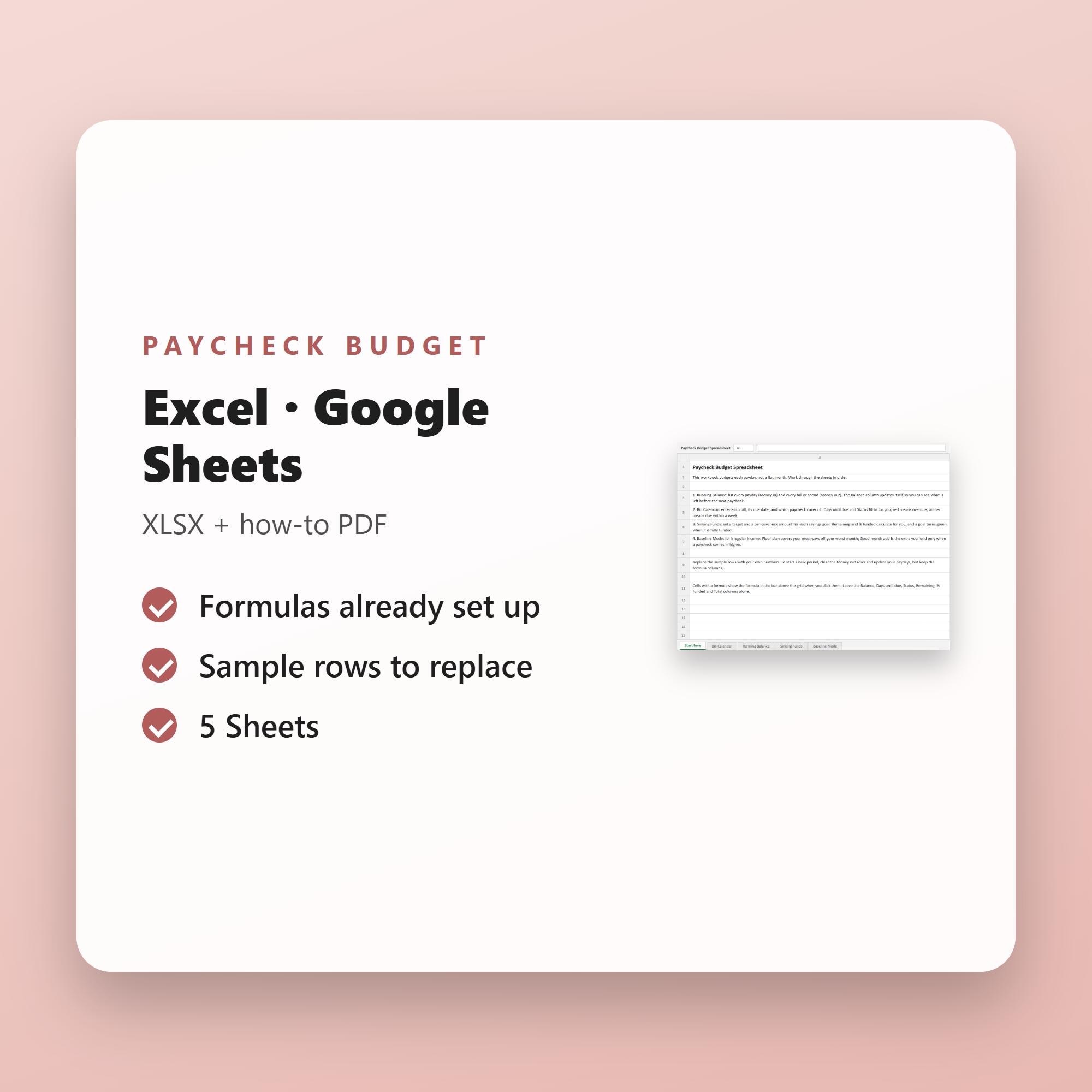
- Excel file (.xlsx) that also opens in Google Sheets and Numbers
- Formulas and totals built in
- A short how-to PDF
- Instant download after checkout
Made for Biweekly earners, freelancers, gig and commission workers, and paycheck-to-paycheck households who want to allocate each payday (not a flat monthly salary) in Excel or Google Sheets.
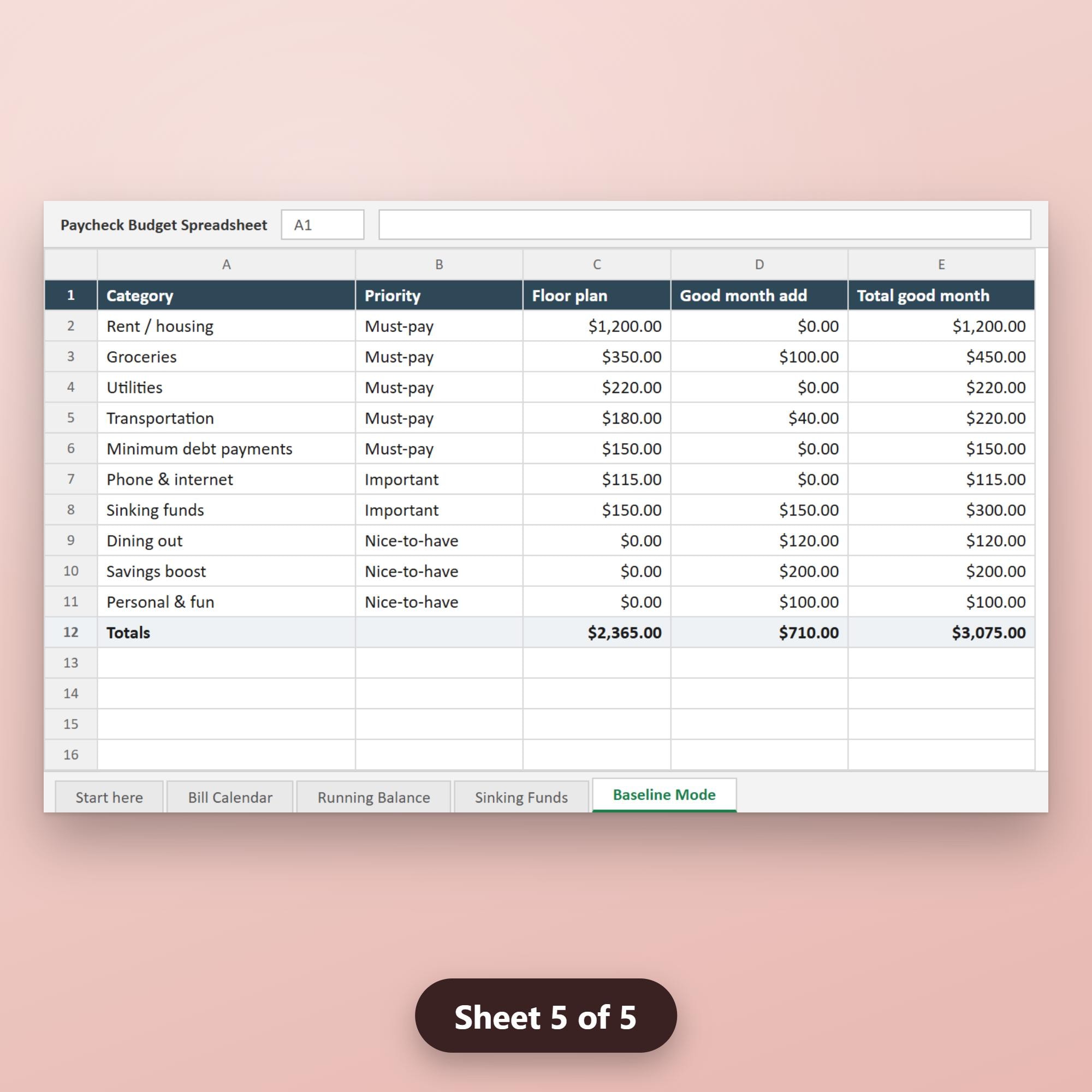
Why this one: Mid-priced, auto-calculating template built around the payday, not the month: a bill-due calendar mapped to each paycheck, a running balance between paydays, sinking-fund allocations, and an irregular-income 'baseline/floor' mode that budgets essentials off your worst month and tiers extras when income is higher. Ships for both Excel and Google Sheets with sample rows, pairing cleanly with our budget-planner PDF winner for buyers who prefer a live sheet.
A five-sheet auto-calculating workbook built around your paydays, not a flat calendar month — perfect for biweekly earners, freelancers, gig workers, and anyone managing variable or irregular income.
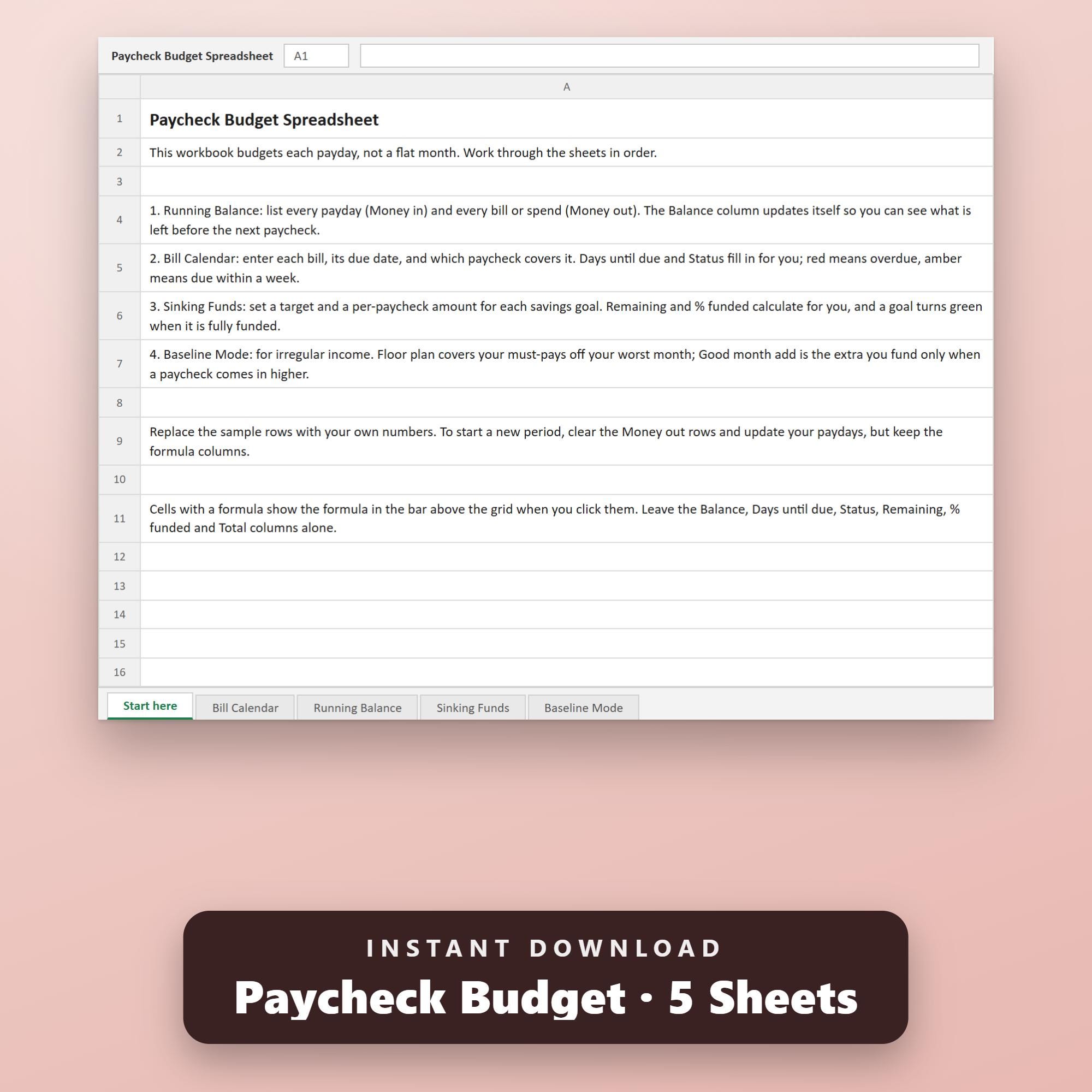
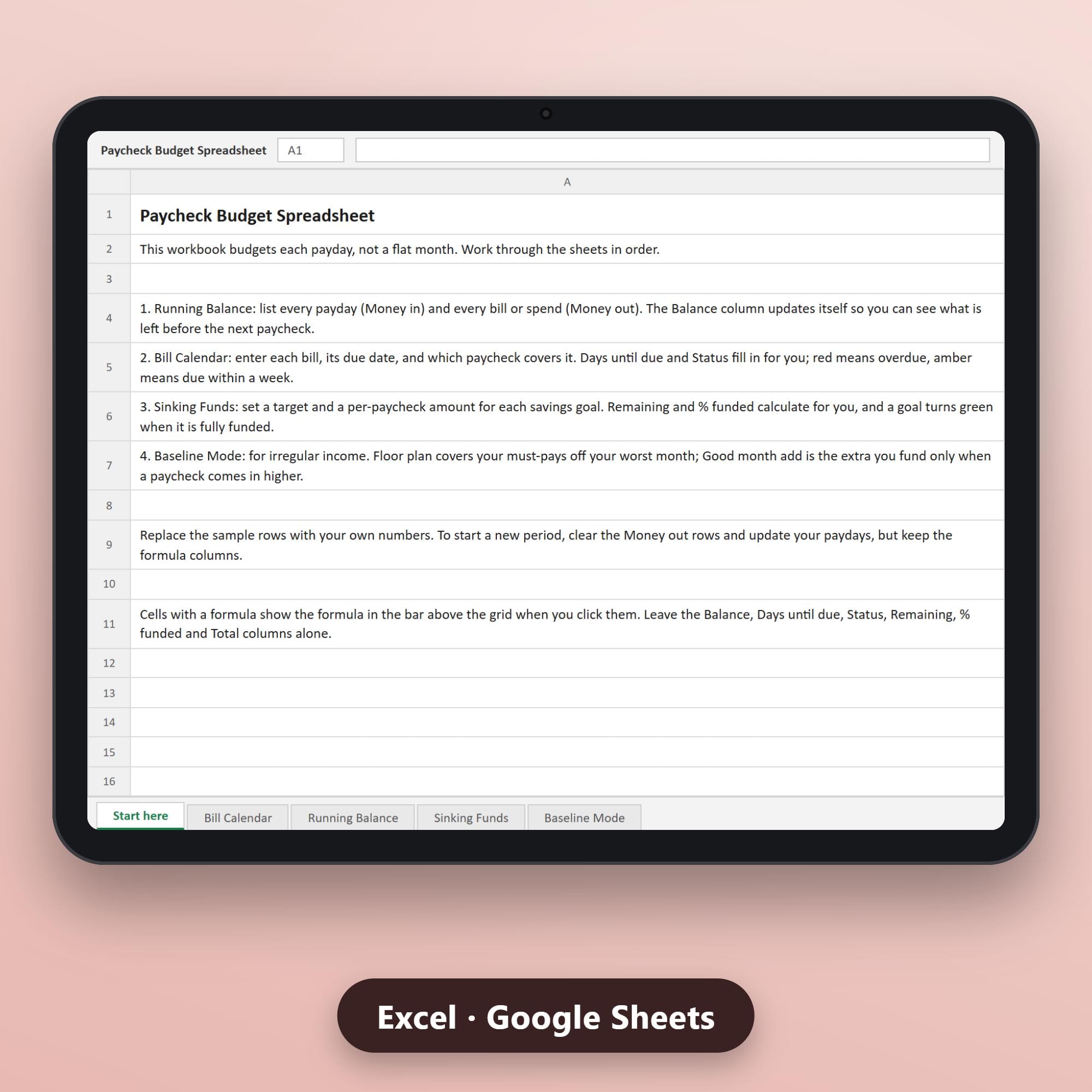
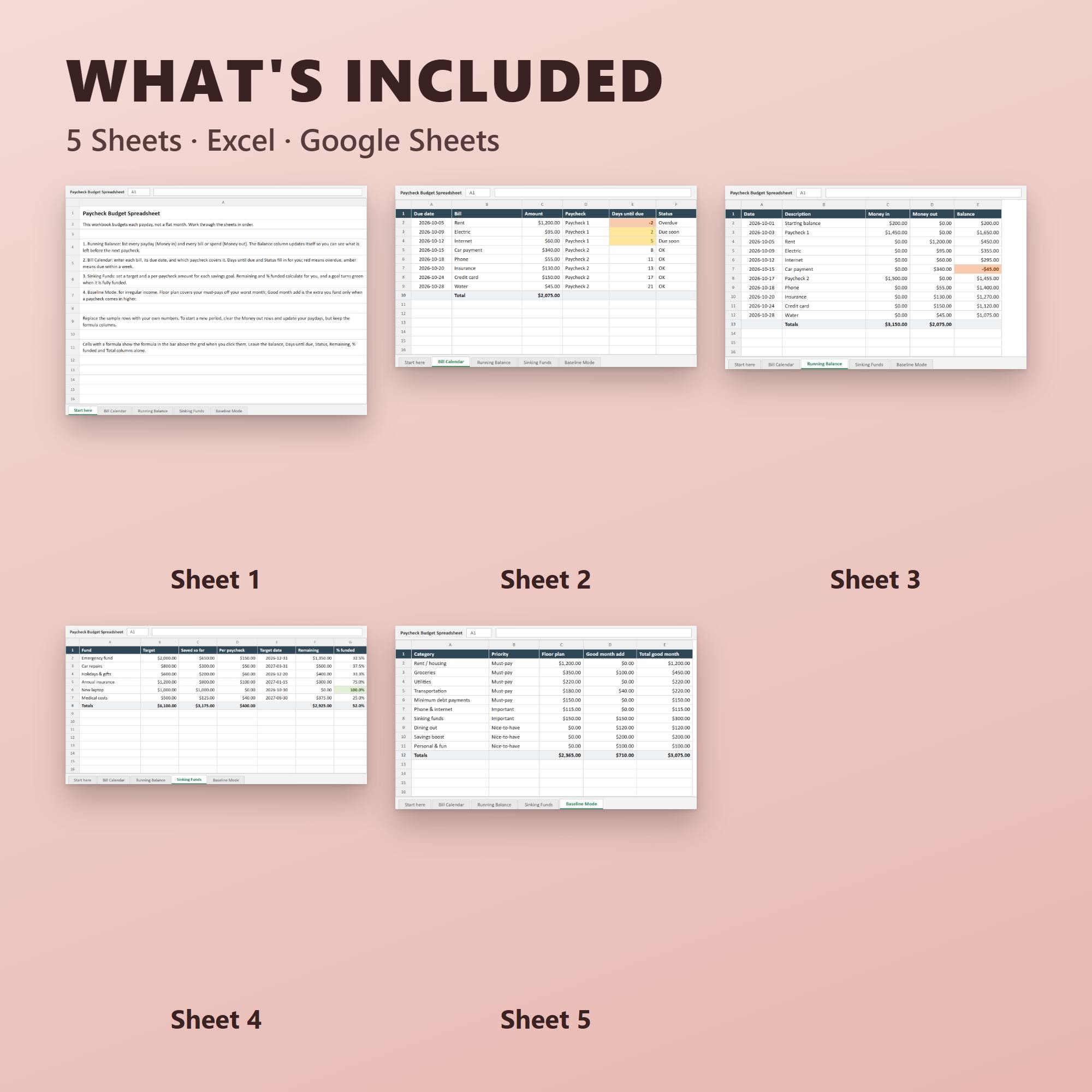
YOU WILL RECEIVE • product.xlsx — 5-sheet workbook (Start Here, Bill Calendar, Running Balance, Sinking Funds, Baseline Mode), compatible with Microsoft Excel and Google Sheets • how-to-use.pdf — 1-page quick-start guide
HOW IT WORKS After purchase, your files appear immediately on your Etsy purchases page and in the confirmation email Etsy sends you. Nothing is shipped; this is a digital download only.
HOW TO USE Open product.xlsx in Microsoft Excel, or upload it to Google Drive and open it with Google Sheets. Sample rows show you the format — replace them with your own numbers and keep the formula columns (Balance, Days Until Due, Status, Remaining, % Funded, Total) untouched.
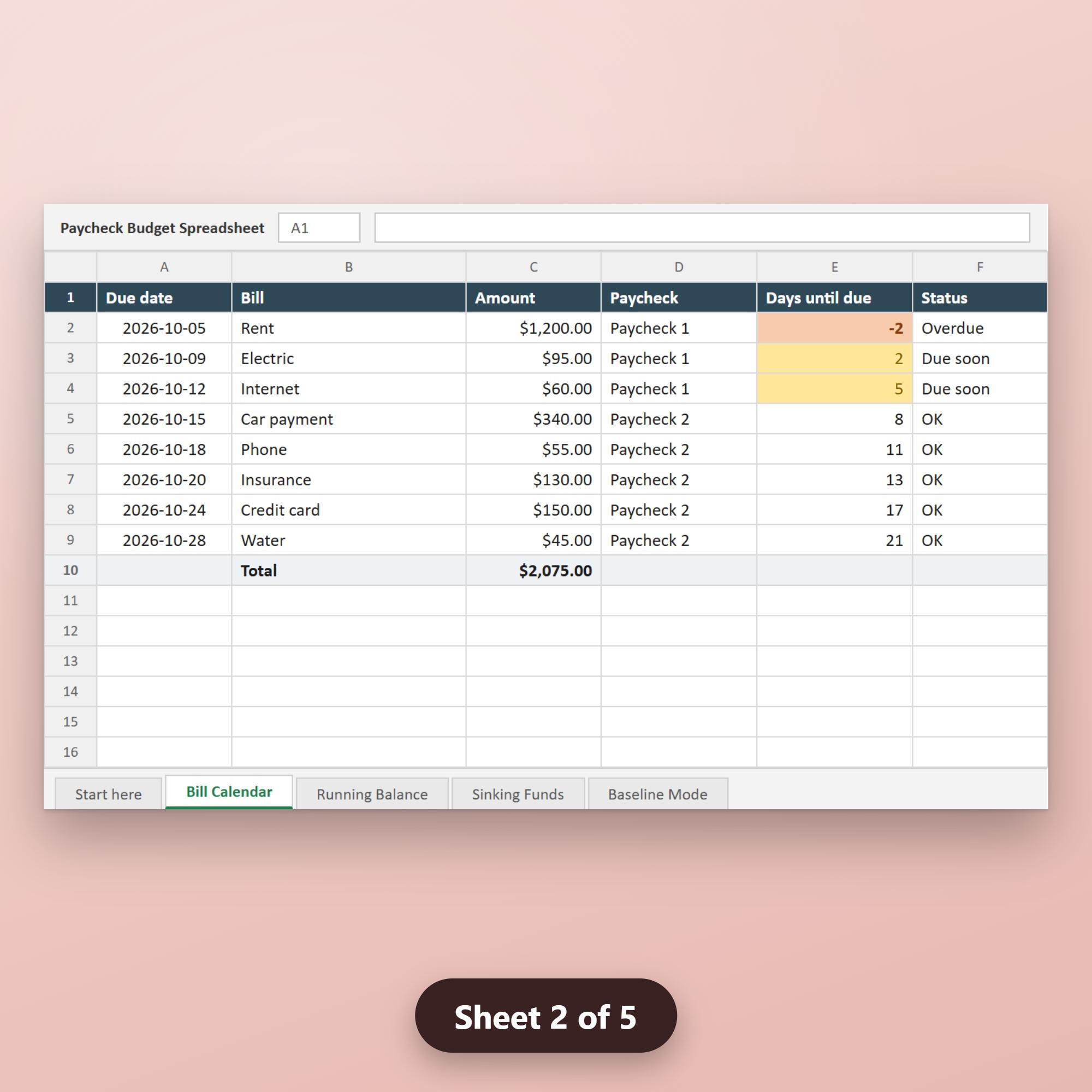
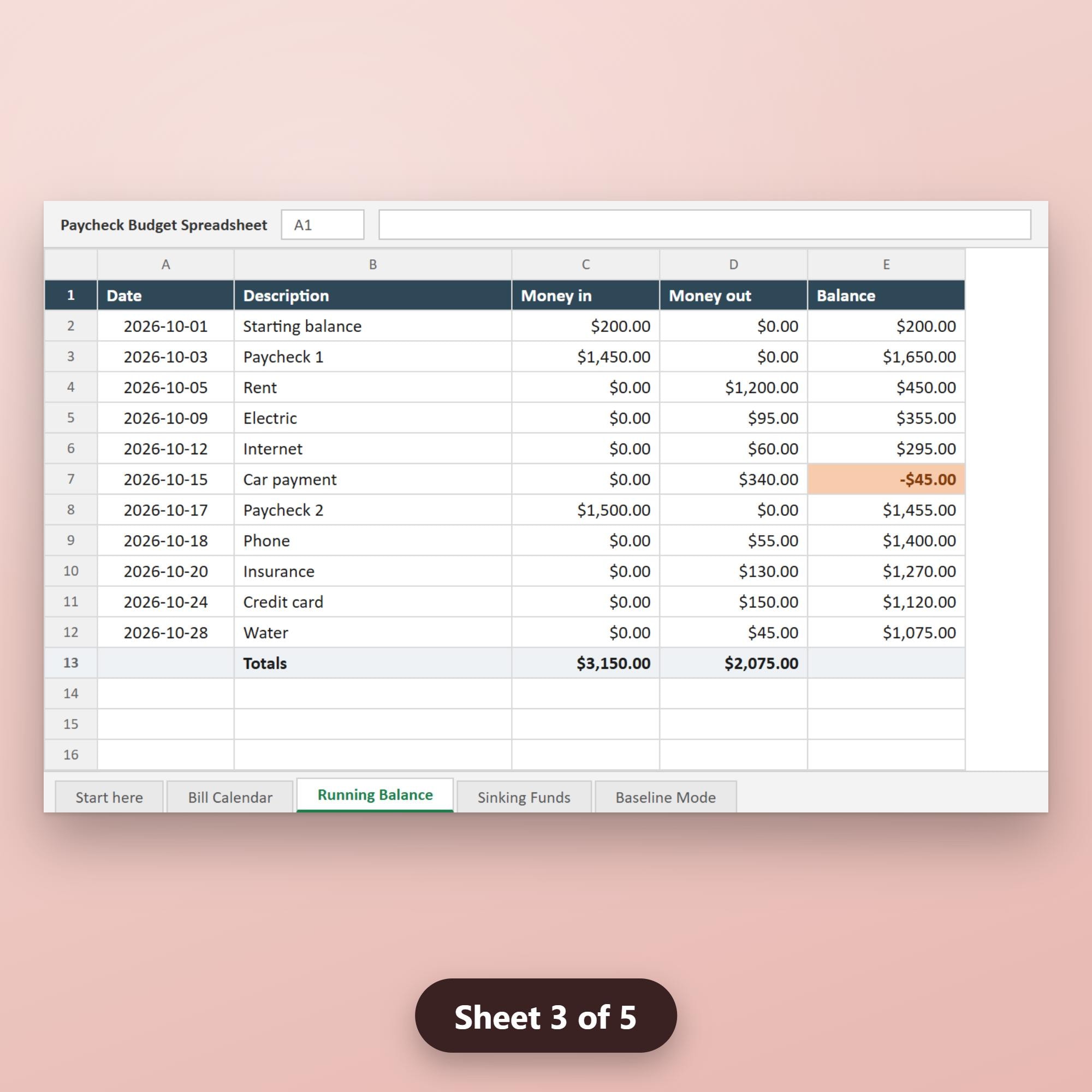
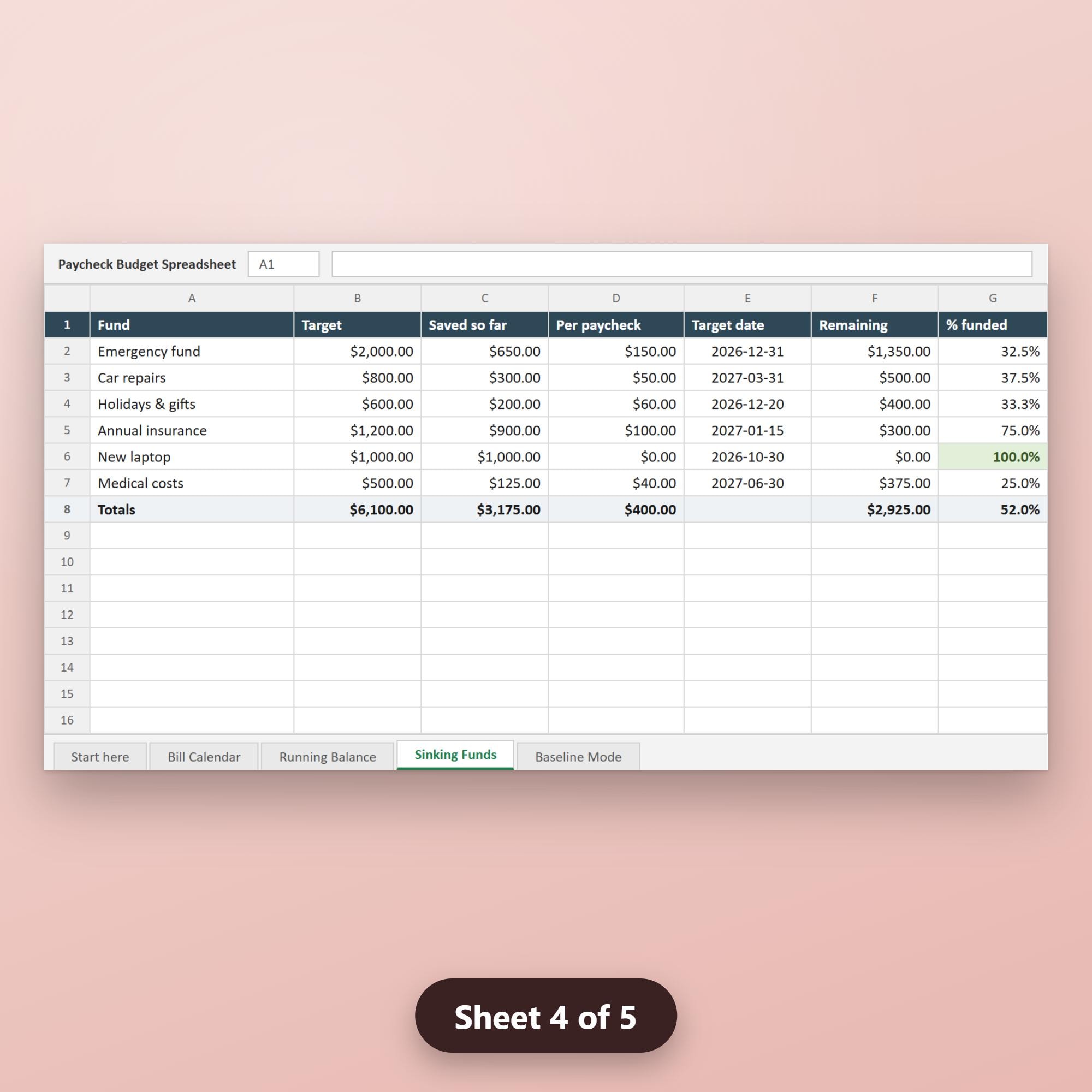
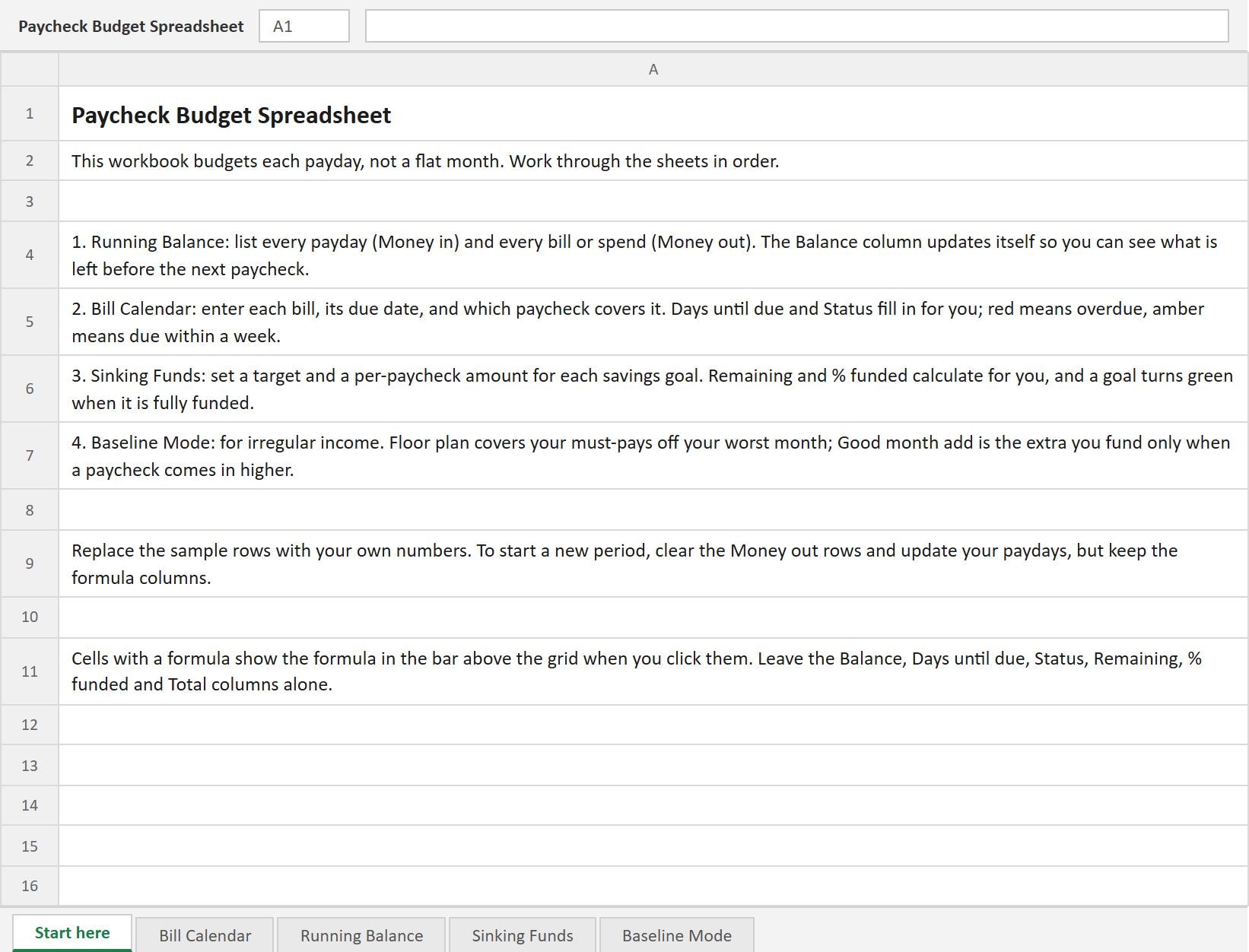
• Start Here explains the four-sheet flow in plain language. • Bill Calendar: enter each bill, its due date, and which paycheck covers it. Days Until Due and Status fill in automatically; red flags overdue bills, amber flags bills due within a week. • Running Balance: list every paycheck (money in) and every expense (money out) in date order. The Balance column chains each row so you can see your cash position between paydays — negative amounts appear in red. • Sinking Funds: set a savings target and a per-paycheck contribution for each goal. Remaining and % funded calculate automatically; a goal turns green when fully funded. • Baseline Mode: for irregular income. Set a floor based on your worst month to cover must-pays first, then add extras when a paycheck comes in higher.
To start a new pay period, clear the money-out rows, update your paydays, and leave the formula columns alone.
DISCLAIMER Colours may appear differently across screens. This template is licensed for personal use only — resale or redistribution is not permitted. Digital files are non-refundable once downloaded, in line with Etsy's digital-goods policy.
Browse the rest of the shop for matching budget planners and finance printables that pair with this spreadsheet.
This design was created with AI assistance under the creative direction of the shop owner.